Tap to Pay: How Mobile Phone Payments Work in 2026
Discover how tap to pay with phone works in 2026. Protect data with tap payments, set up Android tap and pay, and accept payments on the phone.

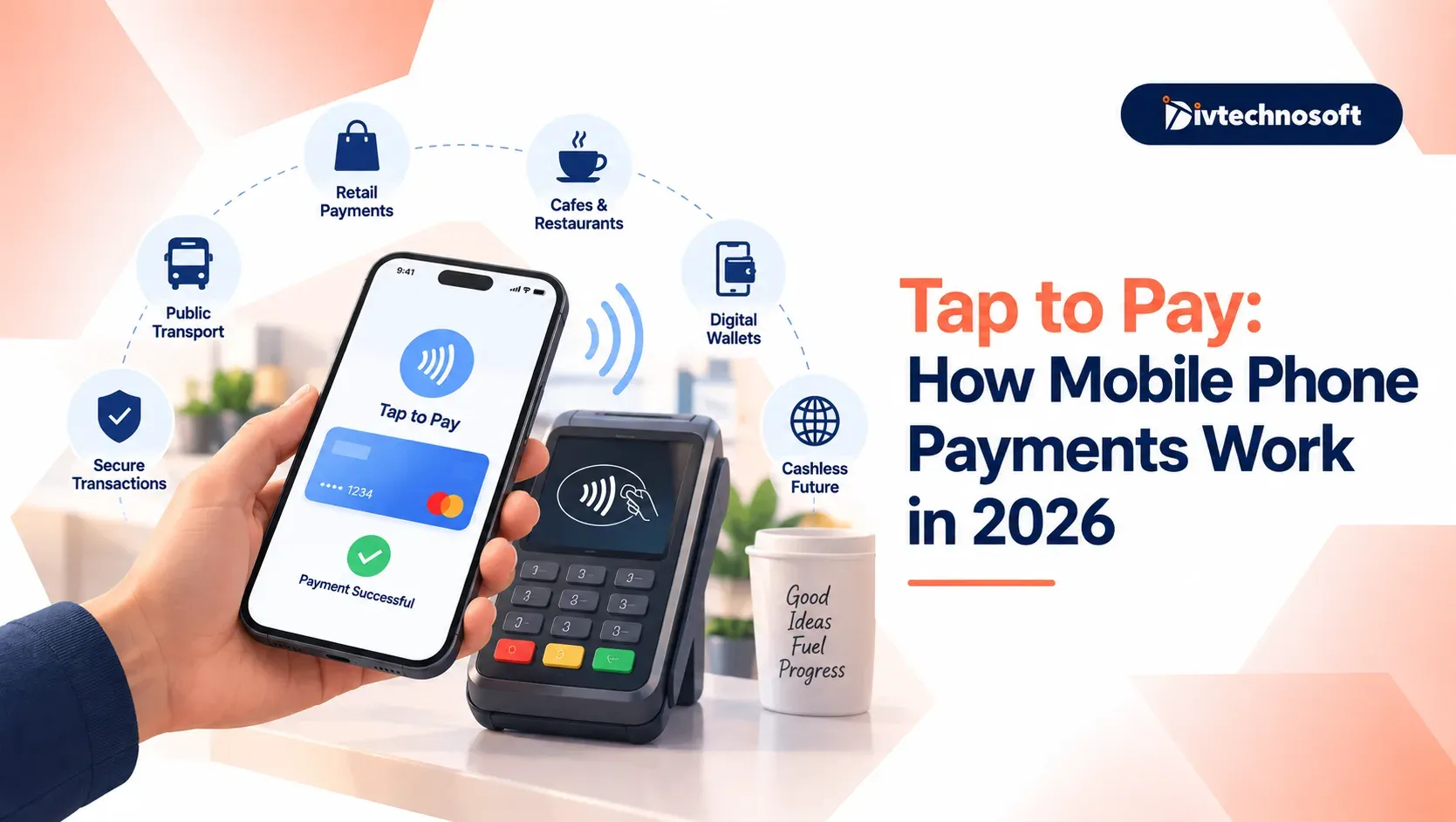
Paying for daily items no longer requires a physical wallet. With a phone tap to pay, you can complete purchases in seconds simply by holding your device near a checkout terminal.
The same technology now helps merchants. Businesses no longer need expensive card machines because they can easily accept payments on phone hardware.
Whether you plan to use Android tap and pay as a shopper or take customer tap payments at your store, the setup is simple.
This guide explains how to tap to pay with phone devices, recognize the tap to pay logo, and keep every transaction safe.
What is Tap to Pay With a Phone?
Phone tap to pay is a contactless method that lets you buy goods and services using your smartphone instead of cash or physical cards. When you hold your device close to a compatible payment terminal, the two devices communicate wirelessly to complete the transaction in seconds.
Difference Between Mobile Tapping and Physical Cards
A plastic card holds fixed card details printed on the surface and embedded inside a physical chip. When you tap a card, it sends standard account numbers across the reader.
Using your phone adds an extra layer of defense. Your actual card number stays hidden. Your mobile wallet replaces your sensitive information with a unique digital code for every purchase. In addition, mobile transactions require your direct approval through fingerprint scans, facial recognition, or a screen passcode before any money moves.
Spotting the Tap to Pay Logo
Before attempting a payment, check the store terminal for the official contactless symbol. It looks like four curved radio waves pointing to the right, similar to a sideways Wi-Fi icon.
When you see this symbol on a card reader, payment screen, or store window, the machine accepts contactless transactions. Simply hold your unlocked device within two inches of the logo until the reader beeps or shows a green checkmark.
How Mobile Tap Payments Work
Mobile tap payments turn your phone into a secure transaction tool by combining short-range wireless hardware with multi-step data encryption. When businesses launch consumer platforms that require seamless digital wallet integration, partnering with experienced engineers forMobile App Development guarantees that local device features like NFC, biometrics, and secure token storage operate without bugs or security gaps.
The entire payment journey relies on three core security technologies that operate in less than two seconds:
Near Field Communication (NFC)
Near Field Communication is the wireless technology that makes tap payments possible. It uses radio waves to transmit data over a very short distance, usually four centimeters or less.
Because NFC works only when devices are directly next to each other, you do not need to pair your phone like a Bluetooth device. The short physical range also prevents accidental payments from someone standing near you in line. When you place your smartphone over a reader, the two devices instantly establish a secure connection, exchange the required billing information, and confirm the purchase.
Tokenization and Payment Security
A primary reason mobile payments are safer than physical credit cards is tokenization. When you link your debit or credit card to a mobile wallet, the software never stores or shares your real card number.
Instead, the system assigns a randomized string of numbers called a token. When you tap your phone at checkout:
The phone sends only the token and a one-time cryptographic security key to the payment terminal.
The merchant reader processes this token without ever seeing your actual account details.
The bank matches the token to your actual account behind secure firewalls and approves the charge.
Even if a criminal intercepts the data sent to the terminal, the token is completely useless for any other transaction or merchant.
Biometric Approval
Physical plastic cards can be tapped by anyone who picks them up off the street. Mobile phones remove this risk by requiring personal authorization before releasing payment data.
Every tap transaction requires biometric verification or screen authentication:
Scanning your thumb or finger on the sensor confirms you are holding the device.
Looking at the front-facing camera unlocks the digital card instantly.
Entering your secret lock screen code provides a secure fallback if biometrics fail.
Without this direct physical confirmation, the phone keeps the NFC payment chip turned off, ensuring unauthorized hands cannot charge purchases to your account.
How to Set Up Tap to Pay on Your Phone
Setting up mobile payments takes less than two minutes. Once linked, you can complete purchases at any checkout counter without carrying a physical wallet.
Android Tap and Pay
To set up Android Tap and Pay, open your phone settings, search for NFC, and turn it on. Next, launch the Google Wallet app, tap the add button, and select the payment card. Scan your debit or credit card with your camera, then type in the verification code sent by your bank to finish linking your card.
Apple Pay Setup
To set up an iPhone, open the built-in Wallet app and tap the plus icon in the corner. Choose debit or credit card, then align your physical card inside the camera frame. Review your card details, accept the bank terms, and enter the confirmation code sent by your bank to activate tap payments.
Step-by-Step Payment Process
Unlock your phone: Use your fingerprint, face scan, or screen passcode so your payment chip activates.
Hold near the reader: Place the top back of your phone within two inches of the contactless symbol on the checkout terminal.
Wait for confirmation: Keep the phone steady until the machine beeps and a green checkmark appears on your screen.
How Small Businesses Accept Payments on Phone
Small businesses no longer need bulky hardware or expensive card machines to take sales. With mobile point of sale software, any merchant can use their existing smartphone as a safe, portable register.
SoftPOS Technology
SoftPOS turns standard smartphones into payment terminals without extra plug-in readers. The business owner simply installs an approved payment app. This app uses the phone's NFC antenna to read transaction data, matching the exact security levels of traditional card readers.
Supported Payment Methods
A phone set up as a terminal works with every standard contactless payment option. Shoppers can tap physical debit cards, credit cards, smartwatches, or digital wallets like Apple Pay directly against the merchant phone to settle the bill.
Cost and Speed Benefits
Taking payments directly on a phone cuts upfront equipment costs and recurring rental fees. Workers can ring up customers anywhere on the sales floor or at outdoor stalls, keeping checkout lines moving quickly while sales data syncs automatically to account dashboards.
This approach helps outdoor teams like valet parking staff take payments without carrying card machines. Divtechnosoft used this model in a digital valet management platform to handle tap payments across hundreds of locations.
Common Myths and Safety Concerns
Accidental crowd scans: Walking past someone in a crowd cannot trigger a payment. NFC antennas only connect within two inches, and transactions remain locked until you confirm your identity with a fingerprint, face scan, or passcode.
Lost phones and dead batteries: A dead battery turns off the payment chip completely. A lost phone remains protected because no one can pay without your biometric unlock, and you can erase your digital wallet remotely from any web browser.
Bank safety and fraud rules: Tap payments share the exact same zero-liability fraud protection as physical cards. Banks refund unauthorized charges, enforce strict single-purchase limits, and require routine identity checks to safeguard your money.
Bringing Tap Payments to Your Workflow
Mobile tap payments can help make your daily business transactions faster and more convenient. Whether you want to accept payments through a smartphone or add tap-to-pay functionality to your app, choosing the right technology and security measures is key to a smooth payment experience.