Vercel vs Netlify: Which Host Fits Your App?
Compare Vercel vs Netlify pricing, free tiers, and speed to pick the best cloud platform for your web app or MVP.

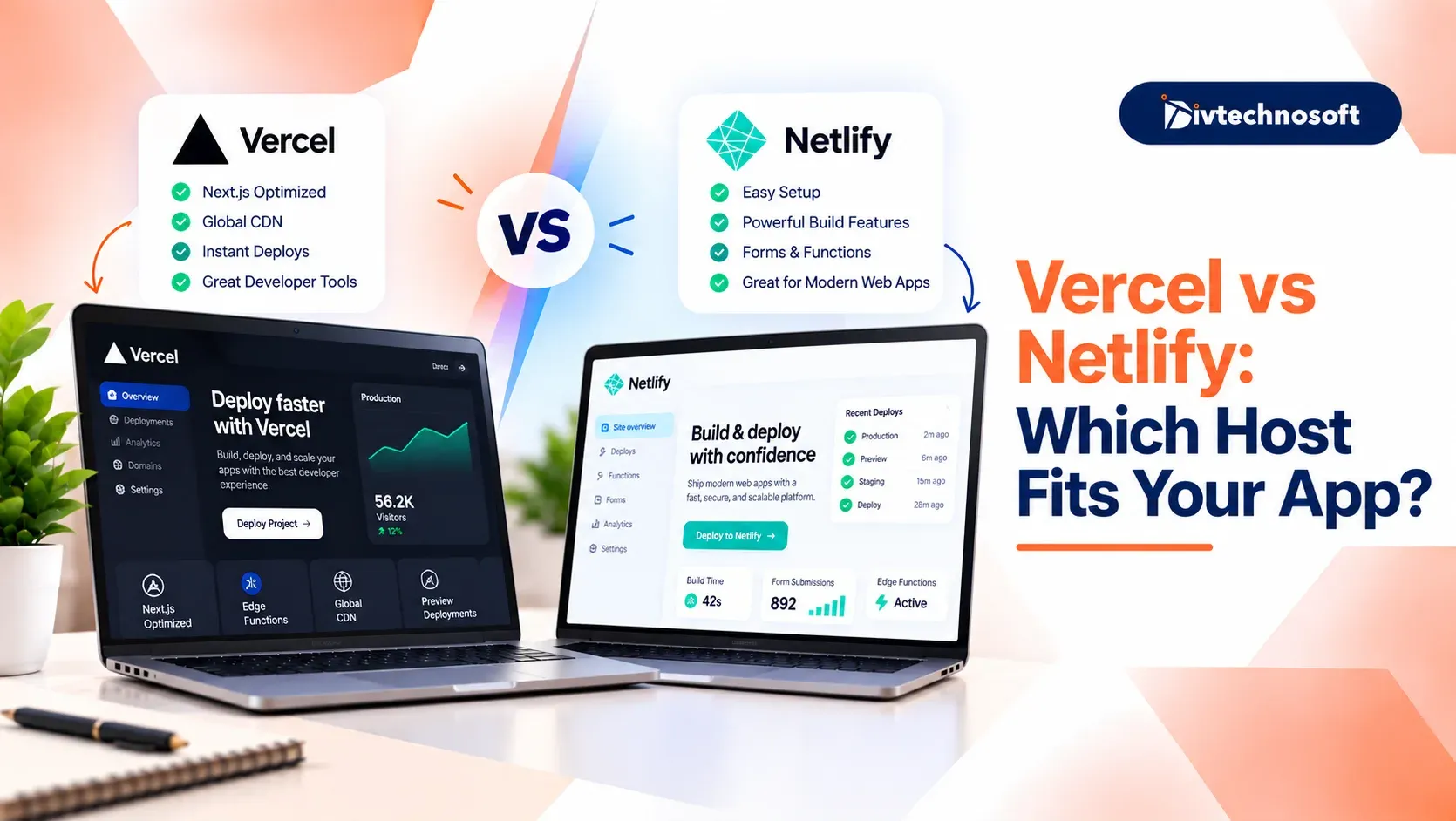
Choosing between Vercel and Netlify depends on your app's requirements, budget, and tech stack. Vercel is well suited for Next.js applications and dynamic web apps, while Netlify works well for static websites, blogs, and projects that need built-in forms.
This guide compares their features, pricing, performance, and free plans to help you choose the right hosting platform.
Let’s clear the fundamentals first.
What is Vercel?
Vercel is a cloud platform that helps developers build, host, and deploy websites and web applications online. It connects with code repositories like GitHub, so whenever developers update their code, Vercel can automatically build and publish the changes.
It works well with frameworks like Next.js and React. Vercel also provides features such as fast content delivery, preview links for testing changes, to monitor website performance.
What is Netlify?
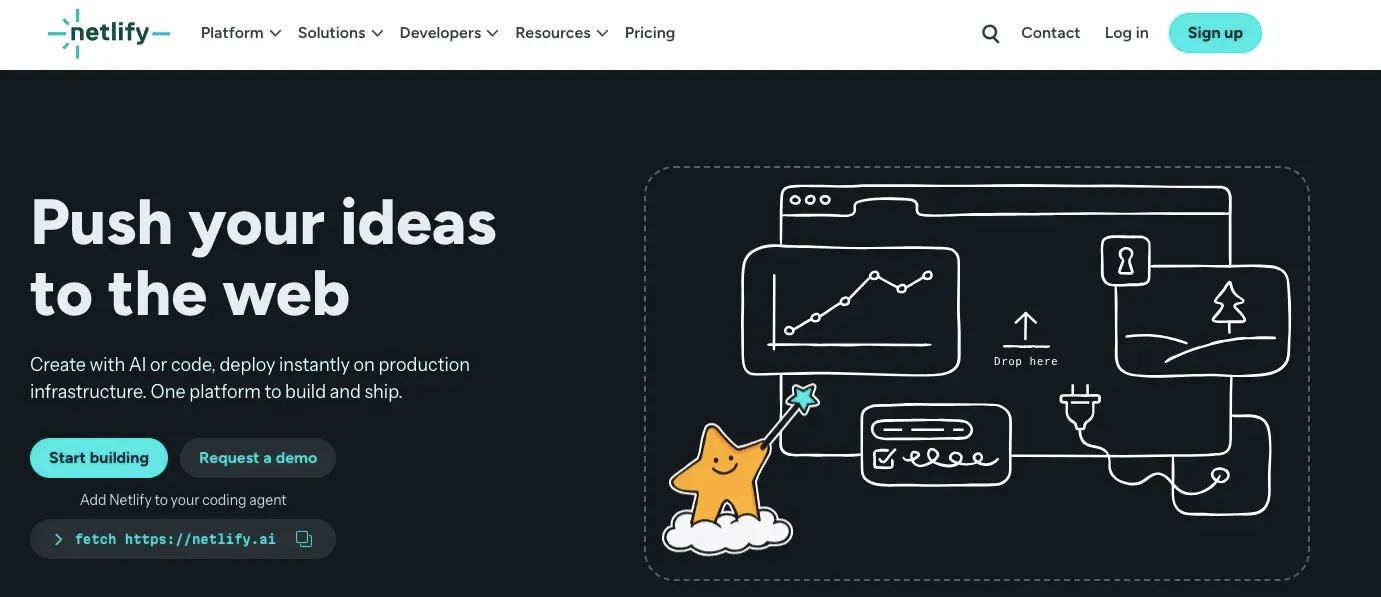
Netlify is a cloud platform that helps developers build, host, and deploy websites and web applications online. It connects with code repositories like GitHub and can automatically publish updates whenever developers make changes to their code.
Netlify offers features such as automatic deployments, preview links for testing changes, custom domain setup, and serverless functions for handling tasks that need backend processing.
It works well with frameworks like React, Vue, and Astro.
Vercel vs. Netlify: Quick Comparison
Both platforms help you put your website online fast. But each one works best for different jobs. Here is the comparison to help you choose correctly.
Feature | Vercel | Netlify |
|---|---|---|
Best for | Next.js and web apps | Simple sites and blogs |
Code types | Node.js, Python, Go, Ruby | JavaScript, TypeScript, Go |
Server memory | Up to 4 GB | Fixed at 1 GB |
Time limit | Up to 800 seconds | 60 seconds |
Extra tools | AI tools and team bar | Web forms and simple database |
Free plan rules | Personal use only | Business use allowed |
Paid plan price | $20 per user each month | $20 per team each month |
The choice is simple: Vercel gives you more memory, longer runtimes, and top support for Next.js development services. Netlify gives you built-in forms, a simple database, and free business use.
Vercel vs. Netlify Free Tier
Both hosts give you a free plan to test your code. But each platform sets different limits on how you can use it. Looking closely at the Vercel vs. Netlify free tier helps you avoid unexpected bills or site pauses.
Vercel Hobby Plan Limits
The Vercel Hobby plan is great for side projects and learning. You get 100 GB of fast data transfer each month. You also get one million serverless function calls.
Vercel only allows personal, non-commercial use on this plan. You cannot run an online store, show ads, or make money from your site. If your app starts to earn cash, Vercel asks you to upgrade to the paid plan.
Netlify Starter Plan Limits
The Netlify Starter plan gives you a monthly credit pool to run your site. You get free bandwidth, build minutes, and serverless functions inside that credit pool.
It allows commercial projects on its Free plan, so you can launch a business website or paid app without an initial hosting fee. However, the plan includes 300 monthly credits. If you reach this limit, your projects will be paused until the next billing cycle or until you upgrade.
Which Free Plan Works Best?
If you want to build a free app, test code, or show a portfolio, Vercel gives you fast speeds and generous limits. But you must keep the project personal.
And if you want to test a real business idea, pick Netlify. It lets you test your idea and collect payments without buying a paid seat right away. Once your product gains traction and you need to plan what comes after MVP development, you can safely upgrade your setup to handle real traffic and scale.
Vercel vs. Netlify Pricing
Checking pricing for both helps you plan your project budget. Both hosts use very different ways to charge for their platforms.
Vercel Pricing Structure
Pricing Component | Details |
|---|---|
Base Cost | The Pro plan costs $20 per seat per month for each developer who pushes code. Team members who only view preview links can join for free. |
Active CPU Billing | You pay for the time your code actively runs, excluding time spent waiting for external databases or AI tools to respond. |
Usage Credits | Each paid developer seat includes $20 in monthly usage credits for additional data transfer or compute usage. |
Netlify Pricing Structure
Pricing Component | Details |
|---|---|
Personal Plan | $9 per month with 1,000 monthly credits for small live sites. |
Flat Team Price | The Pro plan costs $20 per month for the entire team and includes unlimited team seats. |
Credit Pool | Netlify uses a shared credit pool to track data transfer, build minutes, and serverless tasks. |
Vercel vs. Netlify Performance
Site speed can make or break your user experience. When you compare Vercel vs. Netlify performance, the way each platform runs your code makes a real difference.
Fast Starts and Server Speed
How fast your app starts up affects every visitor who clicks your link. If your pages load slowly, visitors will leave your site before they read your text or view your store.
Vercel keeps server tasks warm based on real traffic. This stops cold start wait times for almost all requests.
Netlify starts cloud functions only when a visitor arrives. If your site has no visits for a while, the next user waits a few seconds for the server to wake up.
Next.js Support and Page Speed
Vercel is created by the team behind Next.js, Vercel offers native support for the framework and integrates new features with minimal setup.
Netlify uses an adapter to support Next.js, which works well but may require updates to support some newer features.
Global Caching and Edge Speed
Storing copies of your pages closer to users helps your site load faster, even when they are far from your main server.
Vercel updates servers around the world in less than a second when you change page data.
Netlify uses a strong global network to serve static pages fast to all visitors.
Dynamic cache updates take more steps on Netlify than on Vercel.
If you run a static site, both platforms load pages very fast. But for dynamic Next.js apps with heavy server tasks, Vercel gives you faster speeds and lower wait times.
Key Features Compared
Beyond speed and pricing, both platforms offer features to help you build and manage websites. Comparing their capabilities can help you choose the right platform for your site's needs.
Feature Area | Vercel | Netlify |
|---|---|---|
Backend Code | Supports Node.js, Python, Go, and Ruby | Supports JavaScript, TypeScript, and Go |
Database Setup | Integrates with external database services like Supabase | Supports database integrations through its platform and ecosystem |
Web Forms | Supports forms through custom code or third-party services | Offers built-in form handling |
Page Testing | Supports testing through integrations and deployment workflows | Offers testing options through integrations and deployment workflows |
Preview Tools | Provides preview deployments and collaboration features | Provides deploy previews and collaboration features |
AI Web Tools | Offers AI development tools and an AI Gateway for accessing models | Supports AI-powered development through integrations and platform features |
If neither platform fits your needs, Cloudflare Pages is another hosting option worth considering, especially for static websites that need fast global delivery and cost-effective hosting.
Vercel vs. Netlify vs. Cloudflare Pages
Choosing the best web host means looking past the two main brands. When comparing Vercel and Netlify, another top platform joins the race. You also have other choices if your web project needs full server setups.
Where Cloudflare Pages Fits
Cloudflare Pages is the top pick for high traffic and low costs. It gives you unlimited bandwidth, so you never pay extra fees if your site goes viral. It also links to a massive edge network that serves static pages fast in over three hundred cities.
Dynamic Next.js apps take more work to set up, but 500 free monthly builds make it a great budget pick for busy blogs.
Other Hosts to Consider
Netlify works well for static pages, but it cannot run heavy backend code. If your app needs full server tasks or always-on databases, you should check other hosts.
Render: A great pick if you need easy databases and background jobs. It runs Python and Node apps with clear setup steps and low prices.
Railway: A cloud platform for deploying full-stack applications and hosting databases. It makes it easy to connect your app to a database and manage both from one dashboard.
Both hosts give you servers that stay on all day. This makes them better picks when your app needs to save user data or run continuous background work.
Choose the Right Host
Choosing between Vercel and Netlify comes down to your tech stack. Vercel is great for dynamic Next.js apps and AI platforms. Netlify is the top pick for client sites and built-in forms. Picking the right host gives your site the speed it needs from day one.
Picking a host is only the start. You still need clean databases and backend tasks. Divtechnosoft helps you avoid high hosting bills. With proven MVP development and SaaS development services, their team builds web apps that scale on your budget.