From Claude to Live App: Top Hosting Platforms
Learn how to host an app built with Claude. Compare top hosting platforms to launch your web app or MVP fast without complex setup.

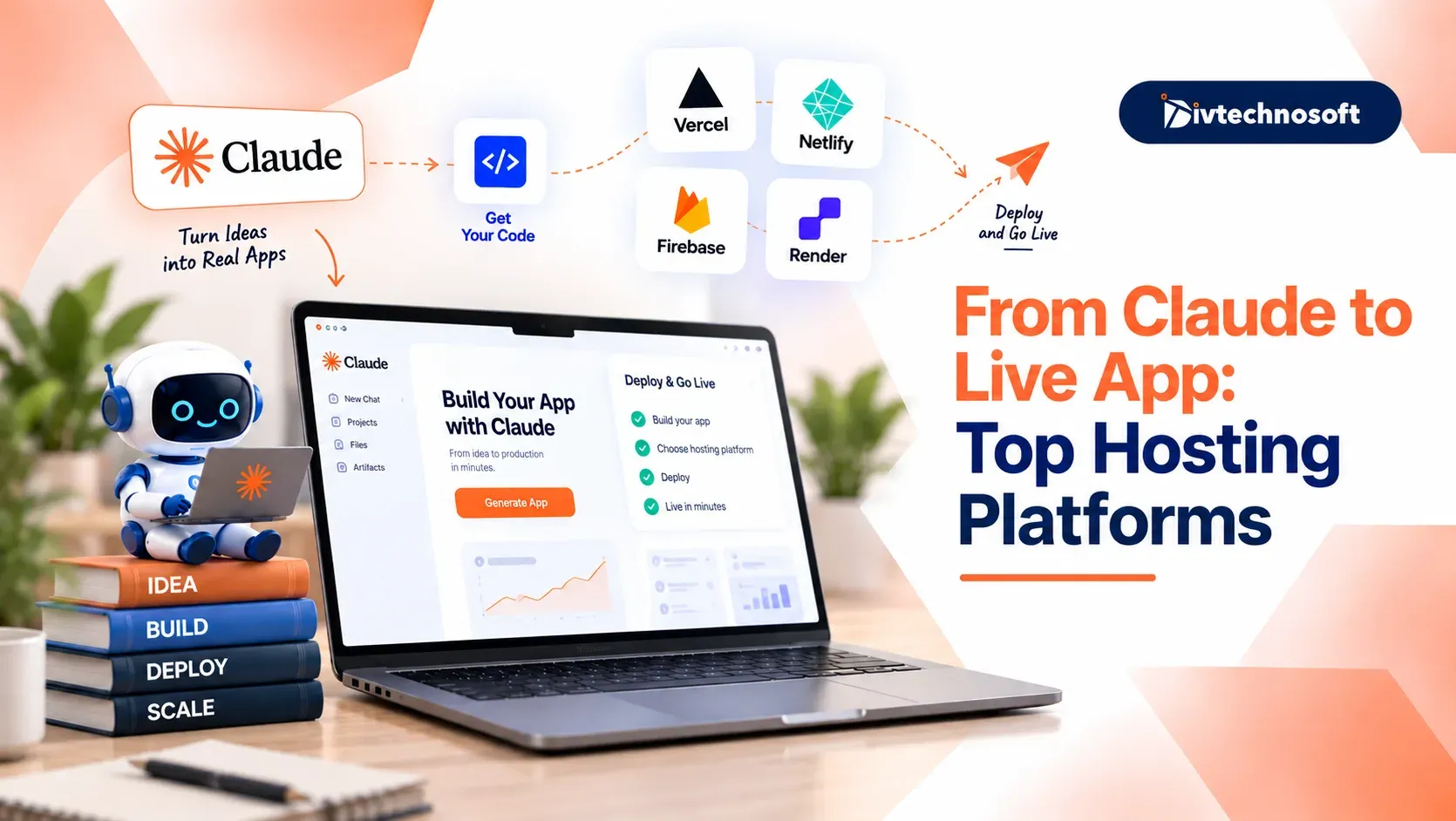
Building an MVP with Claude is only the first step. You also need a server to make your code live and accessible to users.
Finding the best hosting for AI-generated app projects helps you test your build fast without complex setup.
This guide compares the top hosting platforms to help you choose the right one for your app, budget, and needs.
Why Host Your Claude App
Claude gives you raw code files or shows a preview in your chat. You can test buttons on your screen, but the code only lives on your own computer.
Real users cannot open raw code on their phones. Customers cannot visit your private chat screen to use your app.
This is why you need web hosting.
Hosting keeps your app online so anyone can access it through a public link. Without hosting, your app only runs on your own computer.
If your project needs more than simple script hosting, pairing your setup with custom AI solutions helps you connect real-time streaming, APIs, and persistent workflows without managing complex server infrastructure.
Choose the Right Host
Use this quick comparison table to find the best match for your app.
Platform Name | Best For | Pricing | Setup Time |
|---|---|---|---|
Vercel | Next.js and frontend React apps | Free Hobby plan | 5 minutes |
Netlify | Easy website deployment with minimal setup | Free starter plan | 5 minutes |
Render | Web services, Node/Python backends, and databases | Free Hobby plan | 10 minutes |
Railway | Connected full-stack apps and fast prototypes | Free trial credit, then $5 per month | 10 minutes |
Northflank | Full-stack apps with databases and background jobs | Always-on free tier (2 services, 1 DB) | 10 minutes |
Fly.io | Global apps that need fast speeds worldwide | Free trial credit, then usage-based | 15 minutes |
Heroku | Traditional app deployment with managed add-ons | Starts at $5 to $7 per month | 15 minutes |
7 Best Platforms to Host Your Claude App
Choose a host that matches your code and budget. To find the best hosting for AI-generated app builds, compare these top picks by their setup speed, pricing, and database support.
1. Vercel
Vercel is the top pick if Claude built a frontend app using React, HTML, or Next.js. It connects right to your GitHub account with one click. Every time you push new code, Vercel updates your live app on the web.
You do not have to touch servers, set up networks, or manage web traffic. The free Hobby plan is fast and lets you connect your own custom domain name without paying. It is ideal for testing your new MVP with real visitors before spending money.
2. Netlify
Netlify is a good option for beginners who want to deploy a website without using the terminal. If you do not want to connect GitHub, you can drag and drop your project folder onto Netlify.
Your website can go live with a shareable URL in seconds. Netlify offers a free plan, HTTPS security, and built-in form handling. It works well for landing pages, portfolios, and simple websites that need to launch quickly.
3. Render
Render is the best home if your Claude app has a backend or saves user data. It runs Python apps, Node code, and manages databases side by side in one place.
You do not need to configure hard cloud settings or set up server hardware. Render has a free tier for simple web services, and paid plans start at clear, low monthly rates. You can test your app safely without worrying about surprise bills at the end of the month.
4. Railway
Railway makes it simple to run full-stack apps that need a backend and a database working together. It shows your whole app on an easy visual canvas so you can see every moving part.
You can connect your code to a database with just two clicks. You do not need to write complex setup files to link your systems. Railway gives you free trial credits to start, and basic paid plans cost around five dollars per month as your app grows.
5. Northflank
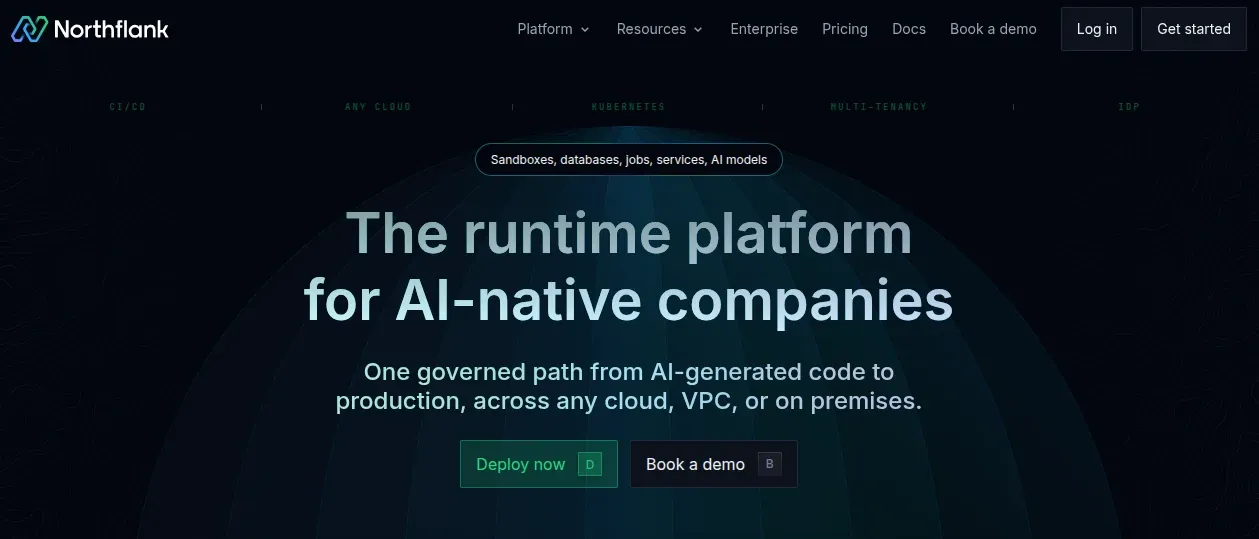
Northflank provides a single dashboard to run your entire product. It can host your web pages, background tasks, and databases in one unified place.
You get the power of large cloud networks without the hard setup steps. Northflank offers an always-on free tier that includes two services and one database. It is a smart choice for creators who want room to scale into a serious business without switching hosts later.
6. Fly.io
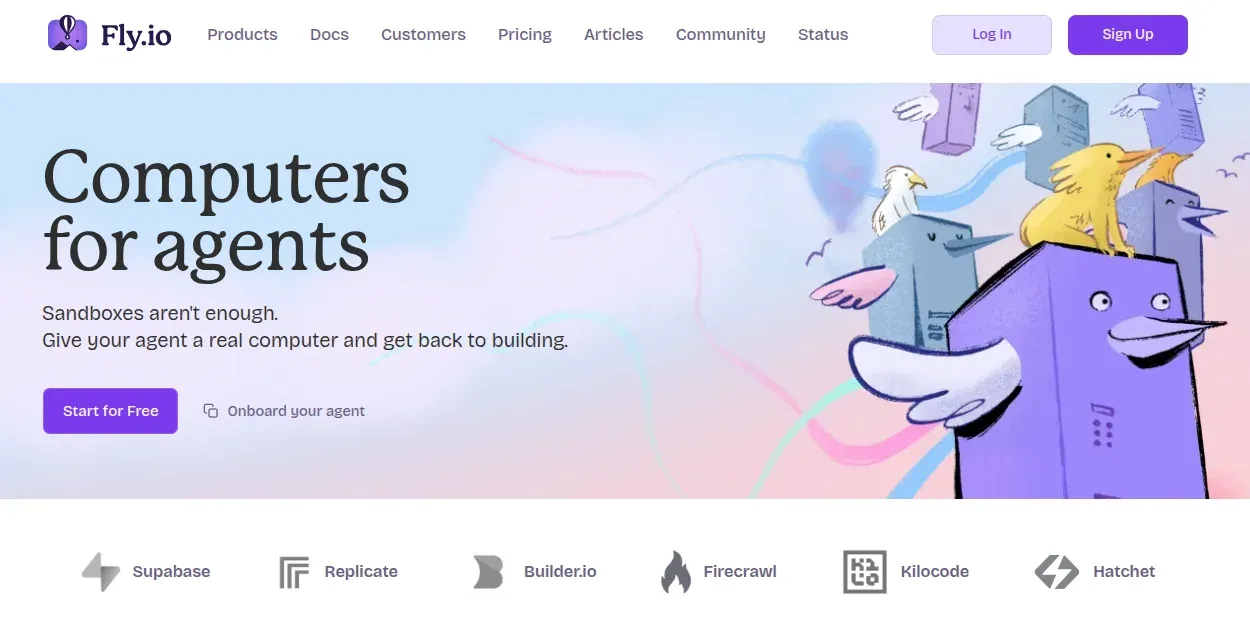
Fly.io runs your app on small virtual servers spread across the globe. Instead of running in just one city, your app lives close to wherever your users are located.
This setup makes your pages load very fast in every country. It is a strong fit if your Claude app uses live chat, instant alerts, or real-time tools. You get trial credit to test your build, and then you pay small amounts based on what your app uses.
7. Heroku
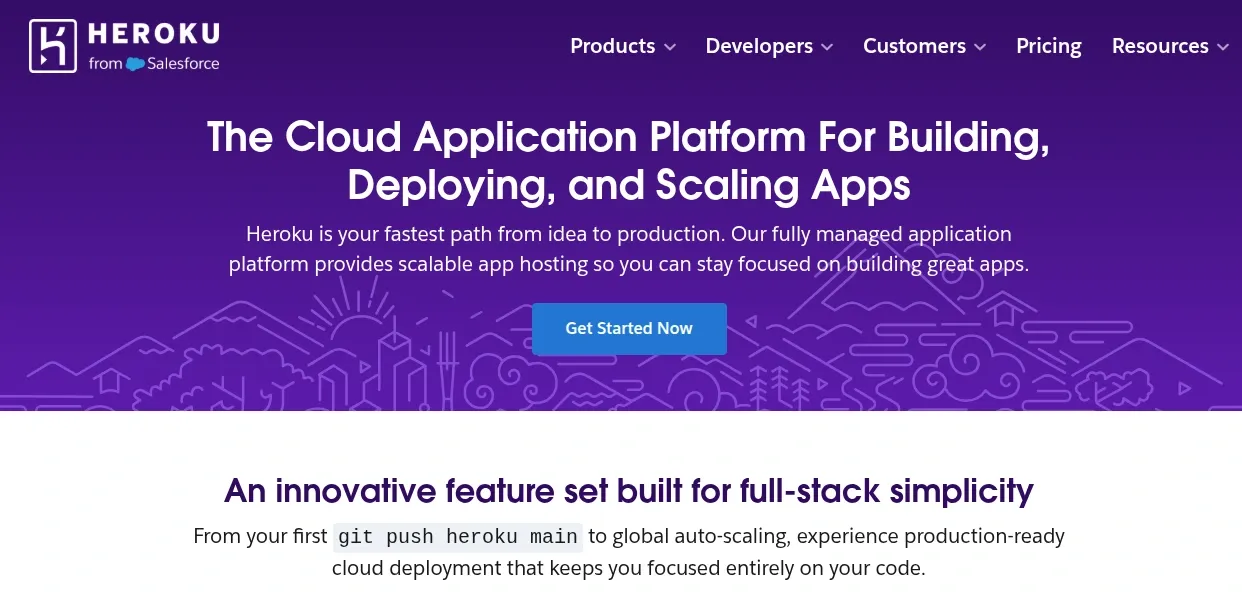
Heroku is a well-known hosting platform that helps developers launch web apps. It offers add-ons for services such as databases, email delivery, and monitoring, which you can connect to your app without building them from scratch.
Heroku is a good option for developers who want managed hosting and documentation to help them get started. Check its current pricing before choosing a plan, as costs depend on the resources and add-ons your app needs.
How to Choose the Best Platform for Your App
Picking the right platform comes down to four simple checks for your project, your skills, and your budget.
Check Your Code Files - Look at the files Claude made. If you only have web files like HTML, CSS, or React, you have a frontend app. Vercel and Netlify are your best choices because they launch web pages in minutes.
If Claude gave you Python, Node, or an API, you have a backend app. You will need a host like Render, Railway, or Northflank to run that code.
Check Your Data Storage Needs - Think about what your users will do on your site. If they only read text or click buttons, you do not need a database.
If users sign up, log in, or save their work, your app needs a database. Choose Render or Railway so you can add a database with a few clicks and keep user data safe.
Pick Your Setup Comfort Level - Some founders do not want to touch code commands. If that is you, Netlify lets you drag and drop your files right from your computer into your browser.
If you know how to use GitHub, Vercel and Render make updates very easy. They update your live site every time you save new code.
Set Your Launch Budget - Good MVP development is about testing early without big bills. Most of these hosts offer free plans or trial credits so you can launch without risk.
Pick a free plan on Vercel, Netlify, or Render while you test your idea. You only need to pay when real users start visiting your app every day.
How to Deploy Your Claude-Built App
If you want to know how to host an app built with Claude, putting your app online is easy. Follow these steps to deploy Claude code app files:
Connect your code: Link your GitHub account in one click. If you use Netlify, drag and drop your project folder.
Add your settings: Your host reads your files for you. Paste your private Claude keys into your settings box.
Link your database: If your app saves logins or user data, set up a database on Render or Railway. Paste the link into your app.
Publish your app: Click publish to launch your site. Test the new link on your phone before you send it to people.
Launching your app is just the first step to test your idea with real users. Pick the host that fits your needs today and start sharing your link.
What to Check Before Launch
Getting your app online feels great, but do not share your link just yet. Taking five quick minutes to test your site now protects your users and keeps your launch smooth:
Swap the long hostname for your own domain. A clean link builds trust with new users.
Keep your Claude keys out of your code files. Put them in the secret settings box on your host.
Make sure your app saves data. Create a test account to see if it saves your info.
Look for the lock icon in the address bar. Most hosts add free security locks to protect user data.
Open your link on a phone and a laptop. Click each button and form to make sure nothing breaks.
Once you finish these quick checks, your app is ready for the world. You can share your link with real users and start collecting feedback today.
Launch Your App Today
An idea on your computer cannot help you learn from users. The best hosting platforms for web apps make going live quick and easy. You do not need server skills to test your MVP. Pick one host from this guide, deploy Claude code app files, and share your link today.
Claude helps you start fast, but you do not have to build everything alone. Divtechnosoft delivers custom web app development with user logins, payment apps, and live data tracking. You get clean code you own, built to run smoothly as you grow.
The big step is simply getting your app online. Put your link out there, test your idea, and start learning from real feedback.