How to Add AI to Software You Already Run
Learn how to integrate AI into an app or legacy software. Discover safe AI API integration methods and smart architecture tips.

You do not need to rewrite your software from scratch to use artificial intelligence. A full rebuild takes months, costs too much, and risks breaking live business operations.
The smartest path is learning how to integrate AI into an app by placing AI features directly on top of your existing platform. You can connect modern intelligence through API wrappers or lightweight middleware without touching your core code.
Start by targeting one high-value task, protect your database with clean data pipelines, and test your new features safely. Your active users get immediate improvements, while your core system stays fast, secure, and stable.
Why Add AI to Existing Systems Instead of Rebuilding?
Tearing down a working platform to add AI is slow, risky, and expensive. Updating your live system protects your current revenue while giving users immediate improvements.
The Hidden Cost of Total Software Rebuilds
Scrapping an application that already generates revenue introduces massive financial and operational uncertainty. Rebuilding legacy software from scratch throws away years of proven stability and creates serious hazards:
Older systems hold years of hidden logic and edge cases that developers easily miss during rewrites.
Moving large historical databases to brand-new architectures often causes data corruption or broken records.
A complete rebuild halts new product updates for months, giving competitors an easy advantage.
Fast Time to Value for Active Users
Upgrading an existing system lets you ship targeted improvements without disturbing daily customer habits.
Setting clear milestones through a guided product strategy roadmap helps you prioritize high-impact tools directly inside screens your users already understand:
Rapid Rollouts: Launch single tools like smart search or automated summaries in weeks, not quarters.
Higher Retention: Existing users notice instant time savings, which keeps them engaged with your platform.
Zero Operational Risk: If the AI tool needs maintenance, your main application continues to run without interruption.
4 Ways to Connect AI to Your Software
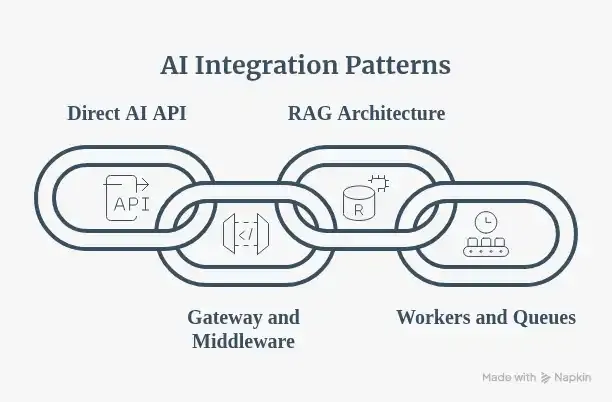
You do not need to alter your main database to start using machine intelligence. Choosing the right architectural pattern lets your live platform communicate with modern models smoothly and securely.
Direct AI API Integration
A direct ai api integration is the simplest way to add basic intelligence to an active codebase. Your application backend calls third-party providers like OpenAI, Anthropic, or Google Gemini through standard HTTPS endpoints.
This setup works best for lightweight jobs such as drafting emails, summarizing short notes, or fixing text errors. The primary advantage is rapid deployment with minimal changes to your existing codebase. However, high user traffic can quickly hit provider rate limits or drive up monthly billing.
API Gateway and Middleware Wrappers
A middleware wrapper places a lightweight microservice between your legacy system and external AI endpoints. Built with Node.js or Python, this middle layer controls data movement and cleans up payloads.
The gateway inspects outgoing text, strips sensitive customer records, and enforces strict rate limits. It also reformats raw model answers into structured JSON before saving them to your older databases. While this approach adds a service to monitor, it shields your main software from unexpected API changes.
Retrieval-Augmented Generation (RAG) Architecture
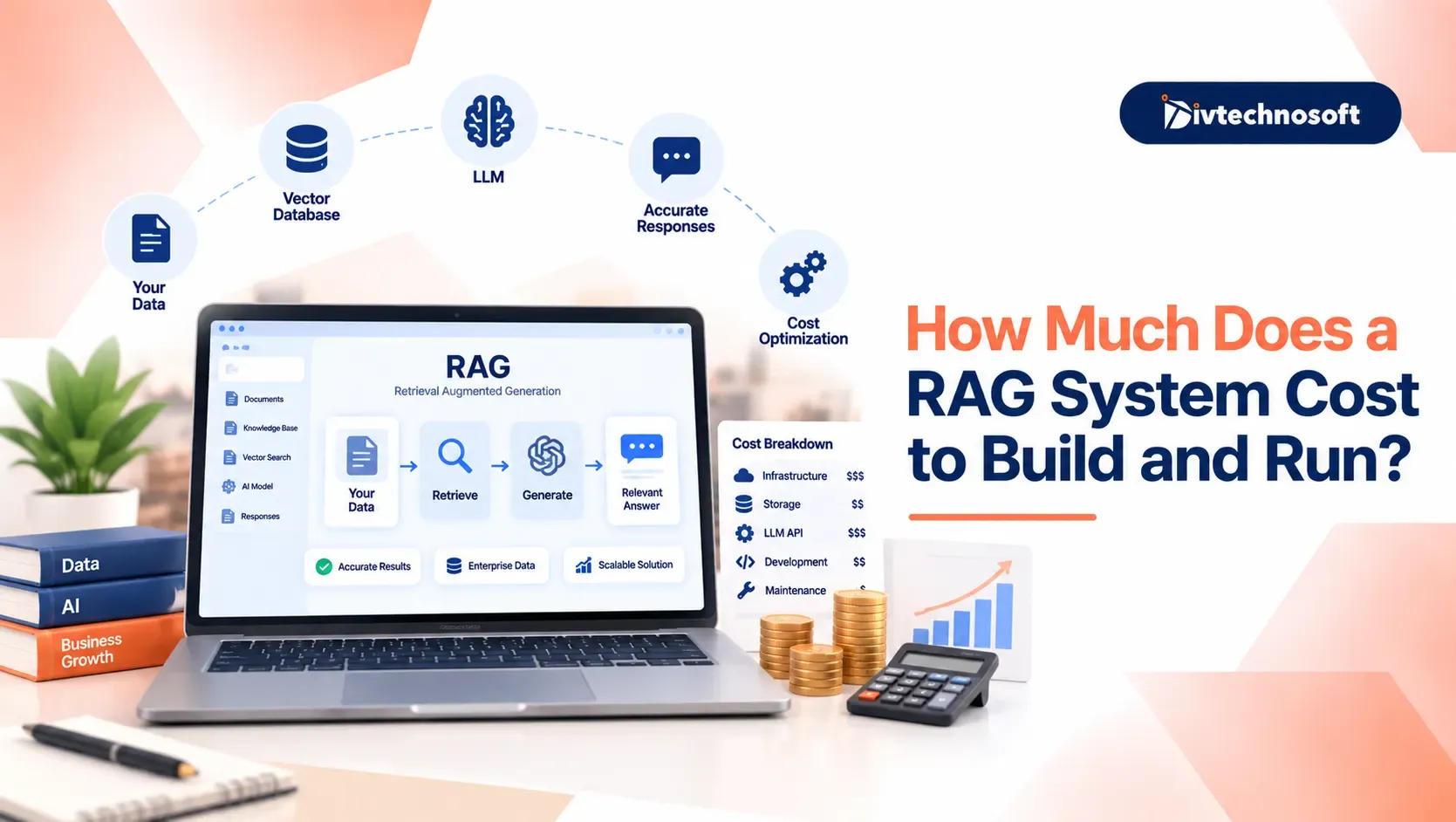
RAG allows an AI model to read your private business data without requiring expensive model retraining. The pipeline converts your SQL tables, support tickets, or internal documentation into searchable vector embeddings.
When a user submits a query, the system retrieves the most relevant company data and passes it to the model as context. This delivers accurate, hallucination-free answers grounded in your real records. The main requirement is keeping your underlying documents well-organized and indexed.
Background Workers and Event-Driven Queues
Generative models and voice agents take several seconds to return complete answers. Routing heavy tasks through background queues like Redis, BullMQ, or Celery keeps your user interface responsive.
Instead of keeping user requests open, your server drops the AI task into a queue and responds immediately. Background workers process the long job, then update the record or alert the user via webhooks. This prevents slow AI tasks from causing server timeouts on your primary platform.
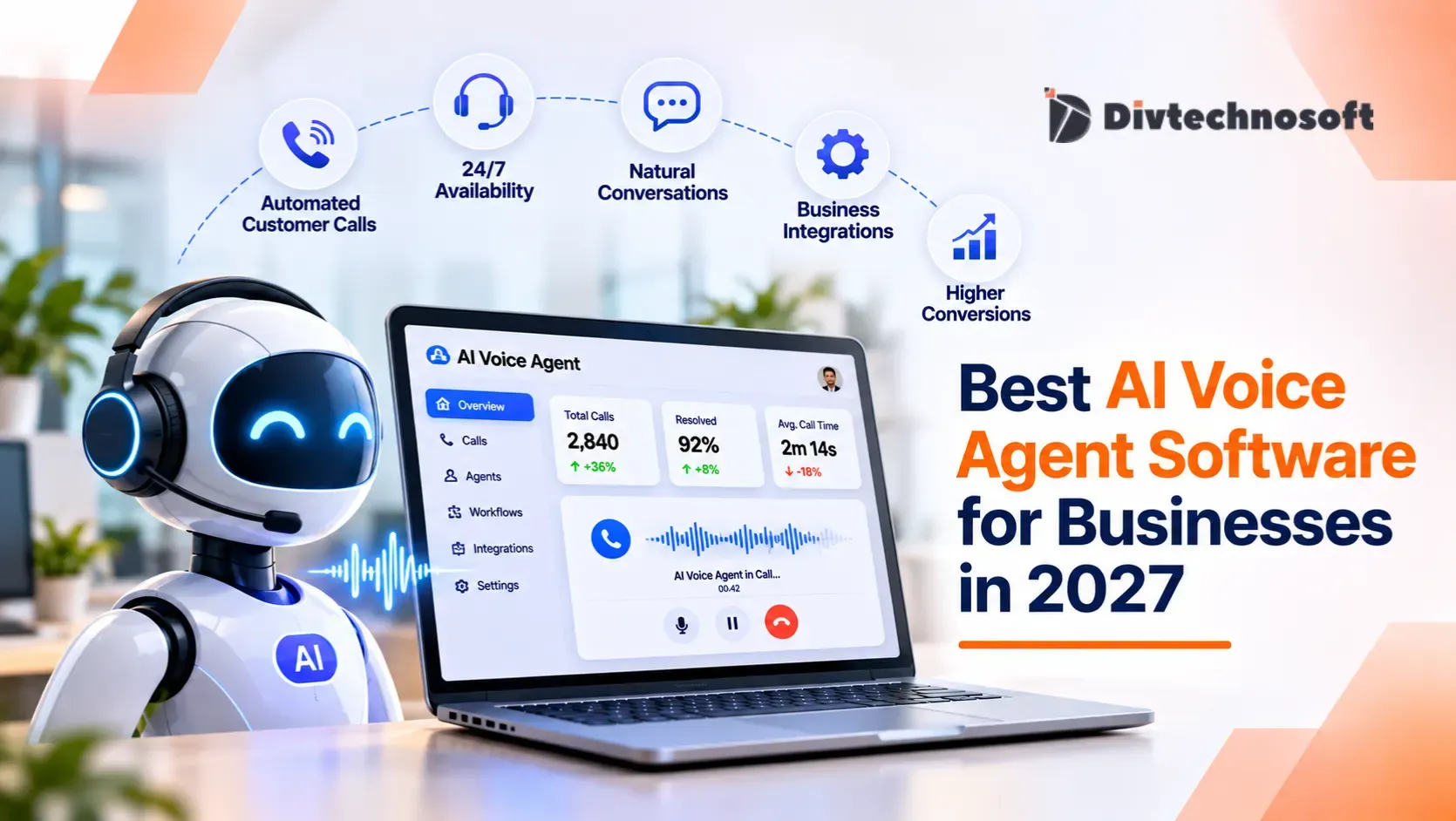
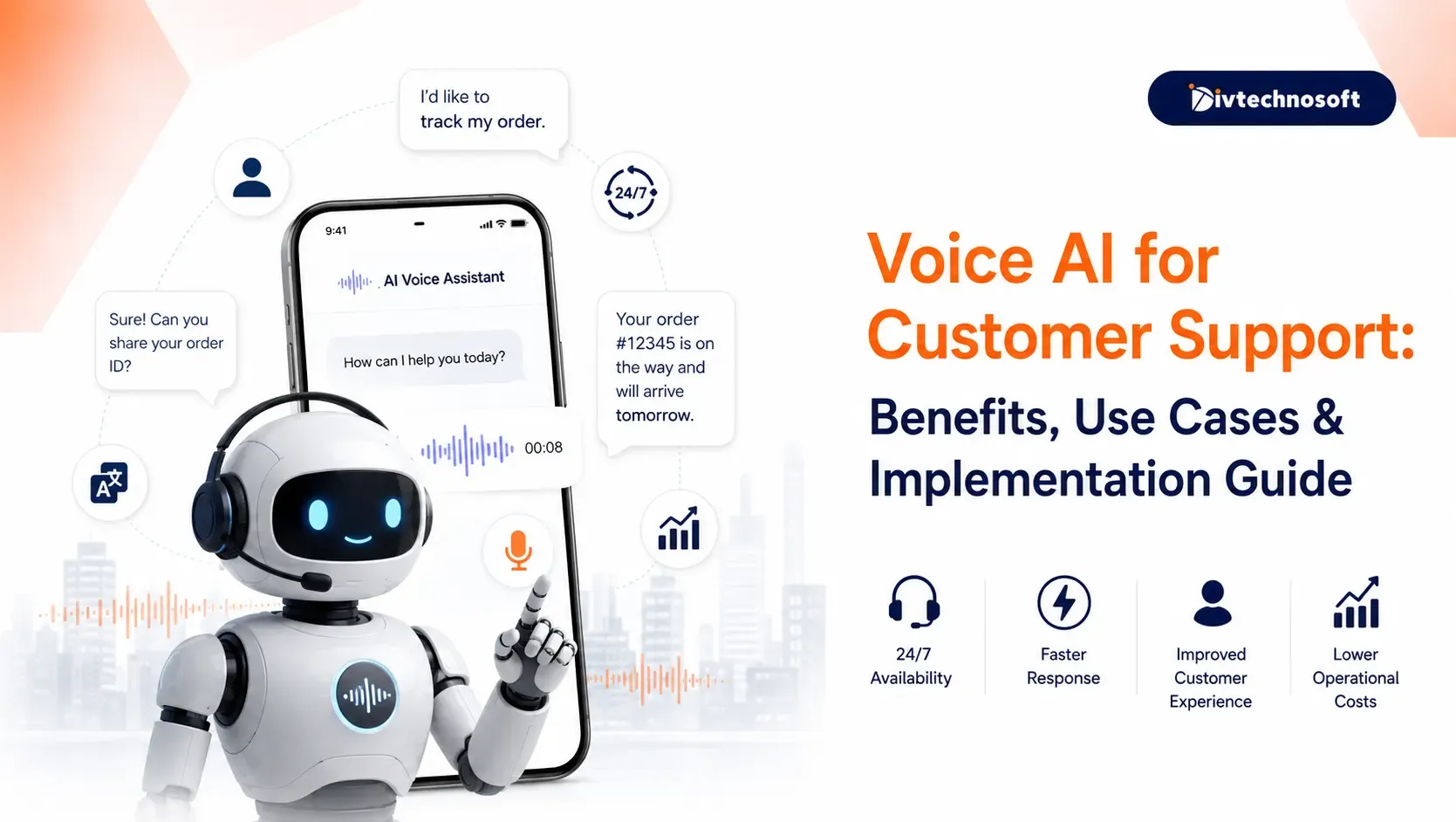
For real-world implementation details, see how Divtechnosoft built an AI voice agent platform capable of handling concurrent calls without slowing core systems.
Step-by-Step AI Integration Process
Adding artificial intelligence to an active product requires a controlled, phased roadmap. Following a clear rollout plan protects your revenue, controls operational costs, and keeps your production platform completely stable.
Step 1: Find High-Value Tasks and Check Data
Before spending budget on new technology, evaluate which business tasks deliver the fastest return on investment. Make sure your current records support dependable automation without creating confusion for your customers.
Pinpoint high-impact workflows where automation saves staff hours or speeds up user tasks.
Ensure your business documents and customer databases are organized, accurate, and easy to access.
Check that your current software can handle outside connections without slowing down daily user operations.
Step 2: Choose the Right Model and Vendor
Different business features demand different commercial setups. Matching your feature to the right provider keeps your recurring expenses predictable and protects your profit margins.
Commercial APIs: Providers like OpenAI and Anthropic offer fast market launches with zero server hardware to manage.
Private Hosted Models: Open-source models run on dedicated private clouds, giving you complete data ownership and fixed monthly bills.
Cost and Speed Balance: Use lightweight models for simple text tasks to preserve budget, and save premium models for high-value reasoning.
Step 3: Test in a Private Pilot
Never release an unverified AI workflow directly to your entire paying user base. Test the integration in a protected staging environment to confirm safety, accuracy, and budget limits.
Verify Quality: Test real-world customer questions to ensure the answers are helpful and completely accurate.
Enforce Budget Caps: Put strict monthly spending limits in place so heavy usage cannot generate surprise vendor bills.
Protect Customer Data: Make sure customer details and private company files stay isolated from public training sets.
Step 4: Launch and Track Results
Once your prototype passes internal checks, roll it out in stages. Tracking real business results ensures the feature improves user retention without hurting your software margins.
Release the feature to a small group of trusted users first to gather direct customer feedback.
Set up usage alerts to monitor daily vendor expenses and catch billing spikes early.
Measure time saved and customer satisfaction to prove the financial return of the upgrade.
A clear roadmap keeps your live app stable and your costs predictable. If you are adding features to an active product, review what comes next after MVP development to scale safely without compromising system stability.
Mistakes to Avoid When Adding AI
Connecting AI to live software introduces real business and operational risks. Rushing an integration without clear executive oversight can harm customer trust, create compliance issues, or burn through your operating budget.
User Experience Delay: Slow or clunky responses frustrate paying users. Keep your interface fast and responsive so daily workflows stay smooth and adoption stays high.
Customer Data Exposure: Sharing private records with unvetted tools creates severe legal liabilities. Require strict vendor privacy agreements to protect proprietary information and customer trust.
Uncontrolled Vendor Invoices: Oversized models for simple jobs quickly drain profit margins. Set monthly spending caps and choose right-sized tools to keep operating costs predictable.
In-House Build vs. Professional AI Integration Services
Choosing between internal development and outside specialists shapes your launch speed, software margins, and product focus.
Speed and Team Bandwidth
Building in-house pulls engineers away from revenue-generating features while they learn unfamiliar toolchains. Outside specialists deploy proven frameworks immediately, cutting months off your launch timeline and keeping your internal team focused on core product goals.
Security and Operating Costs
Internal attempts carry higher financial risks from trial and error, including unexpected token bills and security gaps. Dedicated AI integration partners set up enterprise data protections, request caching, and hard budget caps from day one to safeguard your profit margins.
Start Your AI Upgrade Today
Upgrading your product with AI does not require a full rebuild. Pick a simple connection method, clean your data before sending prompts, and launch one small feature first. Once that workflow proves reliable, expand systematically. Divtechnosoft helps teams modernize existing platforms without downtime or data risks.