How to Track User Behaviour on MVP & Improve it?
Learn how to track user behavior on your MVP and use real data to improve features, boost engagement, and move toward product-market fit.

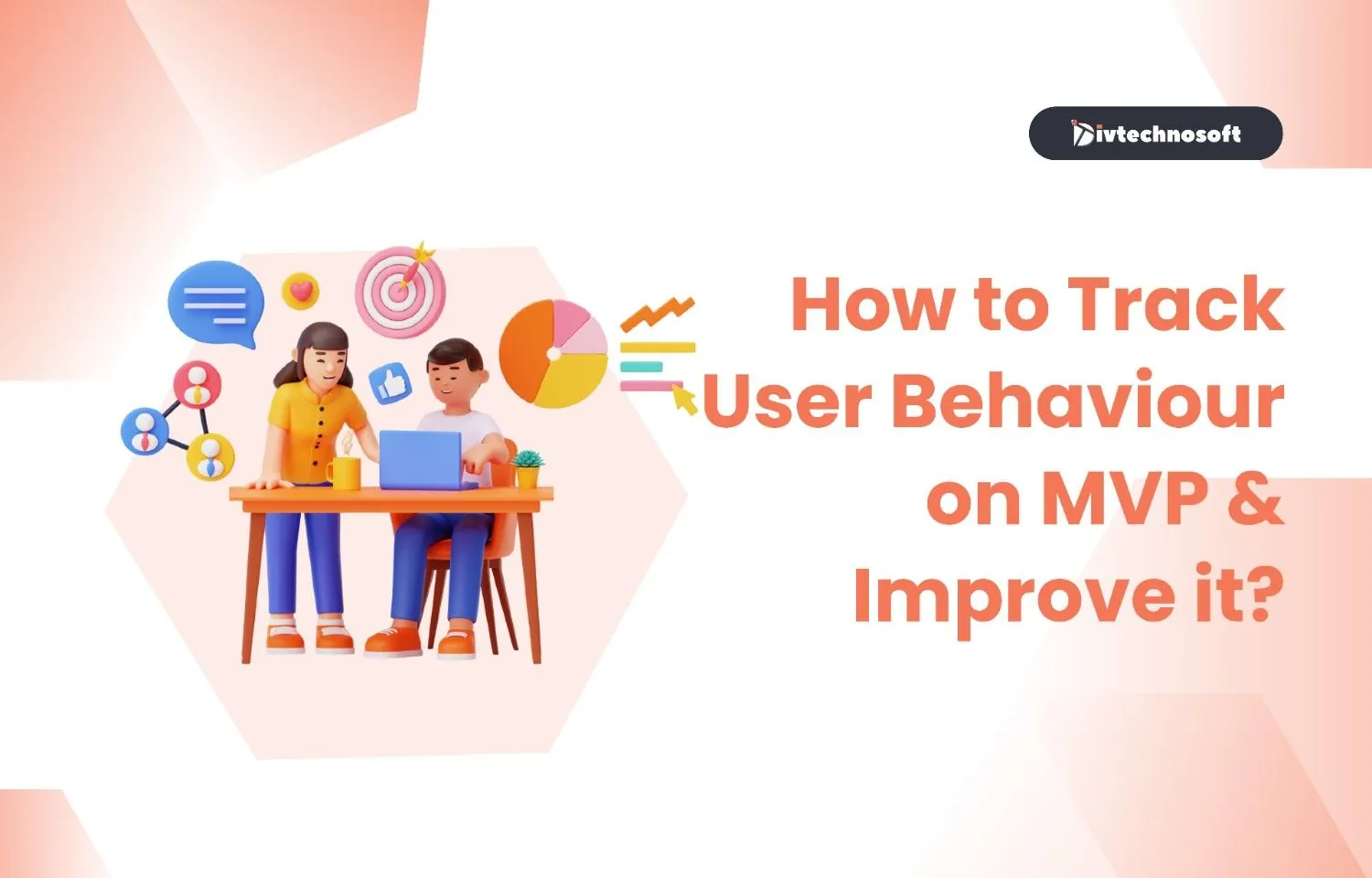
In the high-stakes environment of a product launch, there is a fundamental difference between tracking activity and tracking behavior. Activity tells you what happened, like how many people clicked a button. Behavior tells you why it happened, the patterns, motivations, and friction points that drive a user through your app. This guide is designed to help you move beyond surface-level data. We will cover how to track user behaviour on MVP & improve it, and the key metrics that define success, the right tools for the tech landscape, and how to build a robust tracking system from day one.
The Metrics That Actually Matter for MVP
When you launch an MVP, you are often drowning in data. The trick is to ignore the noise and focus on the signals that indicate long-term viability. Here are the five metric categories that truly move the needle.
Engagement Metrics
Engagement measures how deeply a user interacts with your product. It’s not just about opening the app; it’s about the frequency and duration of meaningful actions. For an MVP, you should look at the "L-ness" of your users: are they using the product once a week, or are they integrated into it daily?
By monitoring specific engagement events, you can see if your core features are being utilized as intended. If users are signing in but not performing the primary task, your UX might be too complex. In such cases, implementing proven strategies to improve mobile app user experience can help realign the product with their actual needs.
Retention Metrics
Retention is the ultimate truth metric for any startup. It measures the percentage of users who return to your app over a specific period. In the post-MVP phase, you are looking for a "flattening" retention curve. If your curve drops to zero, you haven't found product-market fit.
Tracking retention by cohort (groups of users who signed up in the same week) allows you to see if the improvements you make to the product are actually working. If the Week 4 cohort has higher retention than the Week 1 cohort, you are moving in the right direction.
Activation Metrics
Activation is the moment when a user first understands your product’s real value. It’s not just signing up, it’s performing the key action, like sending their first invoice or creating their first project.
You need to track the Time to Value. The faster a user reaches the activation point, the less likely they are to churn. If your activation rate is low, your onboarding process likely needs a complete overhaul to reduce friction and get users to the "Aha!" moment faster.
Satisfaction Metrics
While behavior is seen in clicks, satisfaction is heard in feedback. Metrics like NPS (Net Promoter Score) or CSAT (Customer Satisfaction Score) give you a pulse on the user’s emotional state.
However, we also track Product-Market Fit Score. This is determined by asking: "How disappointed would you be if you could no longer use this product?" If more than 40% say "Very disappointed," you are on the verge of something big.
Conversion Metrics
Conversion isn't just about moving from a free to a paid plan. It’s about the transition between any two stages of the user journey. You should track funnel conversion: What percentage of people go from the landing page to sign up? From sign-up to activation?
Identifying where the leaks are in your conversion funnel allows you to prioritize development. Fixing a 5% drop-off at the sign-up stage often provides a better ROI than building a brand-new feature that only 1% of users will ever see.
A Note on Vanity Metrics: Beware of Vanity Metrics like total registered users, raw page views, or social media followers. These numbers look great in a pitch deck, but don't tell you anything about the health of your business. 100 highly engaged users who use your app daily are worth more than 10,000 ghost users who never log back in.
Steps to Set Up Your Tracking System on MVP
Building a tracking system doesn't require a data science degree; it requires a disciplined, step-by-step approach. Here is how to instrument your MVP for maximum insight.
Step 1: Define your North Star Metric
The North Star Metric is the single most important number that captures the core value your product delivers to customers. For Airbnb, it’s "Nights Booked." For WhatsApp, it’s "Messages Sent." For your MVP, it should be the one action that, if it happens, means the user is getting exactly what they came for.
Step 2: Map your critical user journey
Visualize the path from the moment a user hits your landing page to the moment they experience the product’s core value. Every screen, every button, and every decision point should be mapped out. This map then becomes the blueprint for your entire analytics setup.
Step 3: Identify the 5 to 7 events that matter most
A common mistake is trying to track every single click. This leads to data fatigue. Instead, pick 5 to 7 Key Events, Sign-up, Onboarding Completion, First Core Action, and Recurring Usage events. If it doesn't help you make a decision, don't track it yet.
Step 4: Instrument your app
Now, add the actual code (event tags) to those key moments. Use a naming convention (e.g., Category_Action_Label) so your data remains organized. For example: Onboarding_Complete_Step3. Consistency here is what separates clean data from a mess that no one can interpret.
Step 5: Build a simple dashboard
You don't need 50 charts. Create one view that shows your North Star Metric, your daily active users (DAU), and your funnel conversion. This dashboard should be accessible to the whole team. When everyone sees the numbers daily, the company becomes data-driven by default.
Step 6: Review weekly
Set a recurring 30-minute Data Ritual every Friday. Review the week’s behavior. Did the new feature increase activation? Why did retention dip on Tuesday? This ritual ensures that you are iterating based on facts, not gut feelings.
The Right Tools for MVP Stage
Choosing the right tool depends on whether you need to track "What" (Quantitative) or "Why" (Qualitative). Here is the 2026 stack for smart startups.
1. Divtechnosoft

Best for: End-to-end analytics implementation and strategic data consulting.
Software tools can show you how users behave, but DivTechnosoft helps you understand why it matters. They set up the right tracking systems from the start, make sure your tech stack can scale, and ensure all events are tagged accurately.
Pricing: Tailored consulting packages based on MVP complexity.
2. Mixpanel
Best for: Deep event tracking and funnel analysis. Mixpanel allows you to see exactly how users move through your product and where they drop off.
Pricing: Free tier available; Growth plans start around $25/month.
3. Amplitude
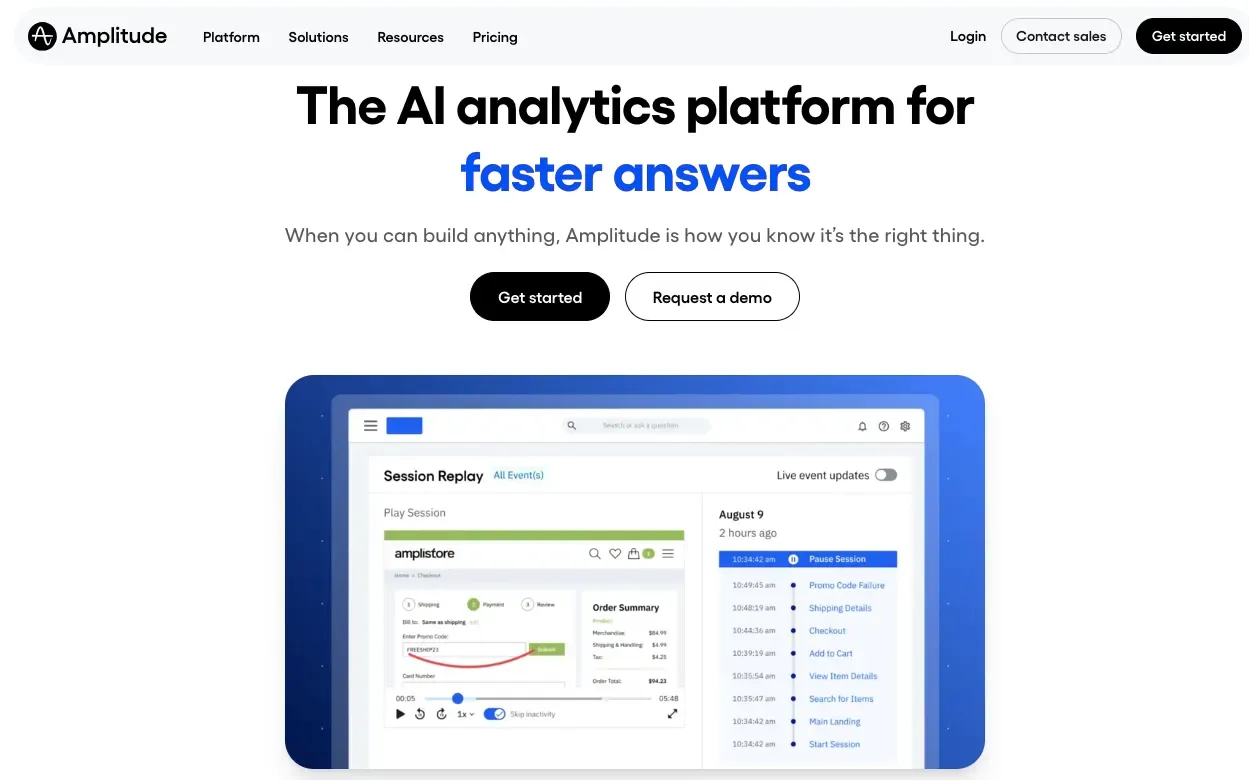
Best for: Product intelligence and cohort analysis. Amplitude is the powerhouse for understanding user retention and long-term behavior patterns.
Pricing: Robust free tier for up to 10M events; paid tiers for enterprise.
4. Hotjar
Best for: Seeing through the eyes of the user via heatmaps and recordings. Hotjar gives you a visual representation of where people click, move, and scroll.
Pricing: Free basic plan; Plus plan starts at $32/month.
5. Microsoft Clarity
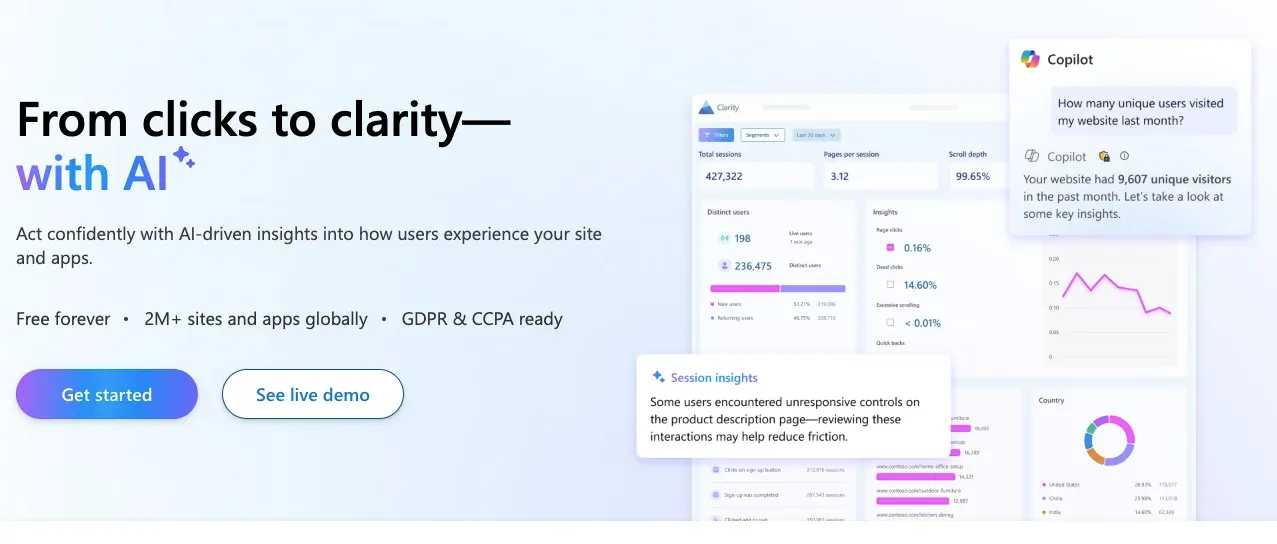
Best for: High-quality session recordings for free. Clarity is a fantastic, privacy-friendly tool that provides Rage Click and Dead Click insights.
Pricing: Free forever.
6. Heap
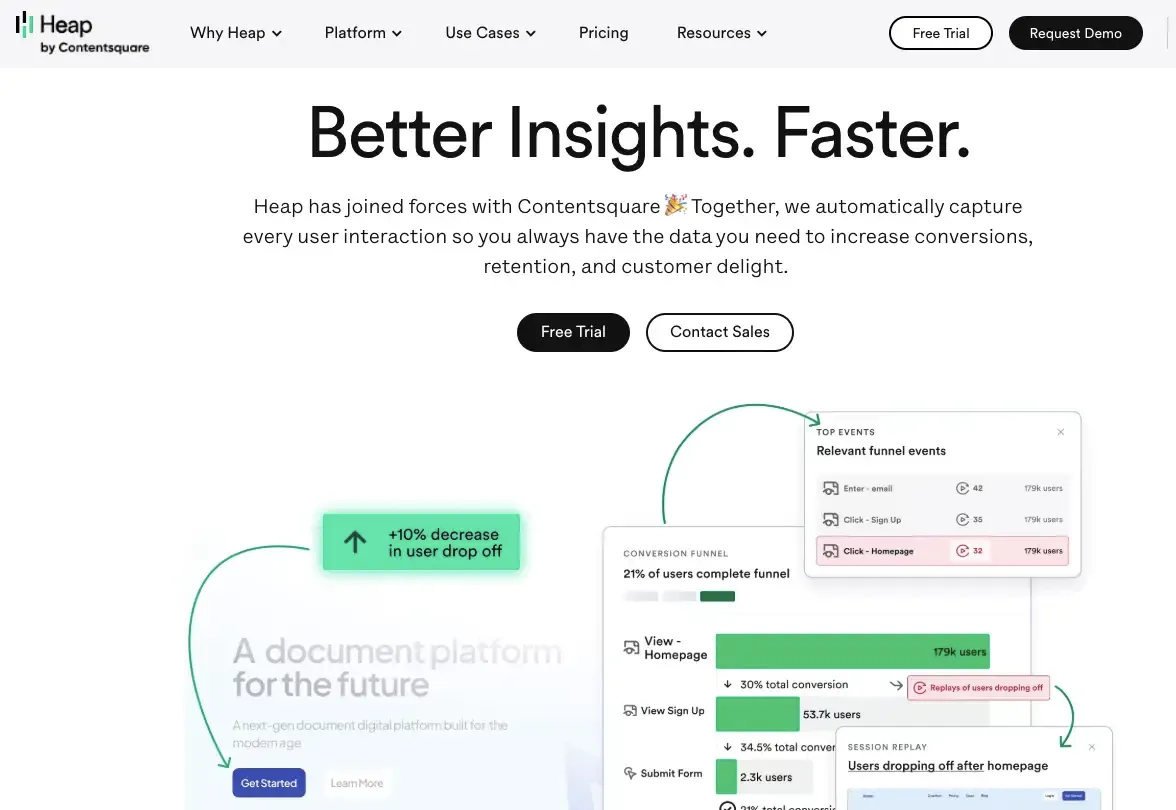
Best for: Autocapturing every event without manual tagging. Heap captures every interaction, allowing you to define events retroactively if you forgot to tag them.
Pricing: Free for small projects; custom pricing for scale.
7. Pendo
Best for: Combining analytics with in-app walkthroughs and feedback. Pendo lets you see the data and then immediately act on it by triggering a guided tour for struggling users.
Pricing: Free version available for up to 500 monthly active users.
Common Tracking Mistakes to Avoid
Even with the best tools, a poor strategy will yield poor results. Avoid these common pitfalls to keep your data clean and actionable.
Tracking vanity metrics instead of behavior signals: Don't get distracted by Total Downloads. Focus on Active Usage.
Setting up analytics after launch instead of before: If you don't track the first 48 hours of your launch, you've lost the most valuable data you'll ever have.
Not tagging events consistently: If one dev tags an event as Sign_Up and another as user_registration, your data becomes impossible to compare.
Ignoring mobile behavior: If you have both a web and a mobile app, ensure your tracking follows the user across devices (cross-platform tracking).
Trusting aggregate data: Never look at just the Average. Segment your data. You might find that your iOS users are loving the app, while your Android users are crashing on the home screen.
Get an Expert on Board
Setting up a sophisticated tracking system while trying to build a product is a massive challenge for any founder. The technical hurdles of instrumentation API integrations, data layer management, and event-triggering can take weeks of your time.
This is where expert help becomes invaluable. When you hire an MVP developer and consultant from Divtechnosoft, you aren't just getting someone to write code. You are getting a partner who understands the science of user behavior. We help you choose the right stack, implement clean event tracking, and build the dashboards you need to make million-dollar decisions.
Don't build in the dark. Let us help you see exactly how your users are interacting with your vision.